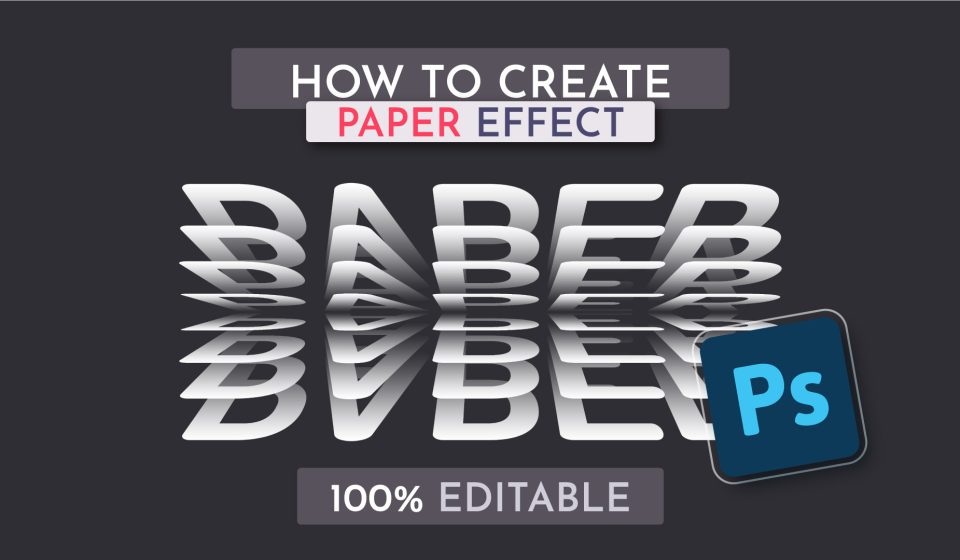
Realistic paper text effect in Adobe Photoshop. Just type the text and the effect will be applied! By using a smart object we get 100% editability of the effect. The effect will work with any text or shape. In this tutorial, we’ll be using a Smart Object, the Layer Style panel, and the Free Transform tool.
Font used in the tutorial: Dosis