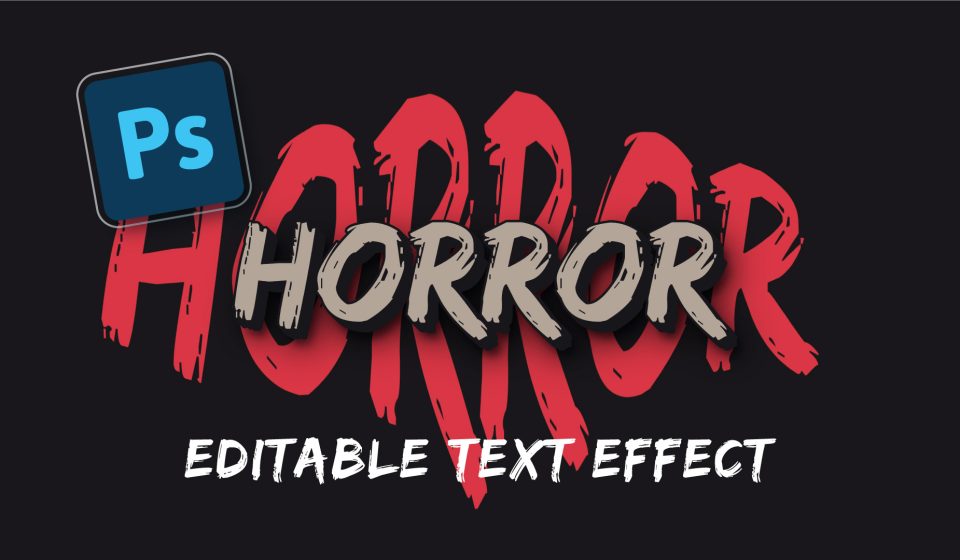
Bloody and scary text effect in Adobe Photoshop. Just type the text and the effect will be applied! In this tutorial, we will learn how to work with smart objects. Color, stroke and other effects will be created using the Layer Style. We will also record an Action to create a 3D effect.
Font used in the tutorial: Edo